
AI Video Storyboard Workflow: Plan Before You Generate
Plan a coherent AI video sequence with shot purpose, consistent keyframes, continuity rules and a practical generation budget.
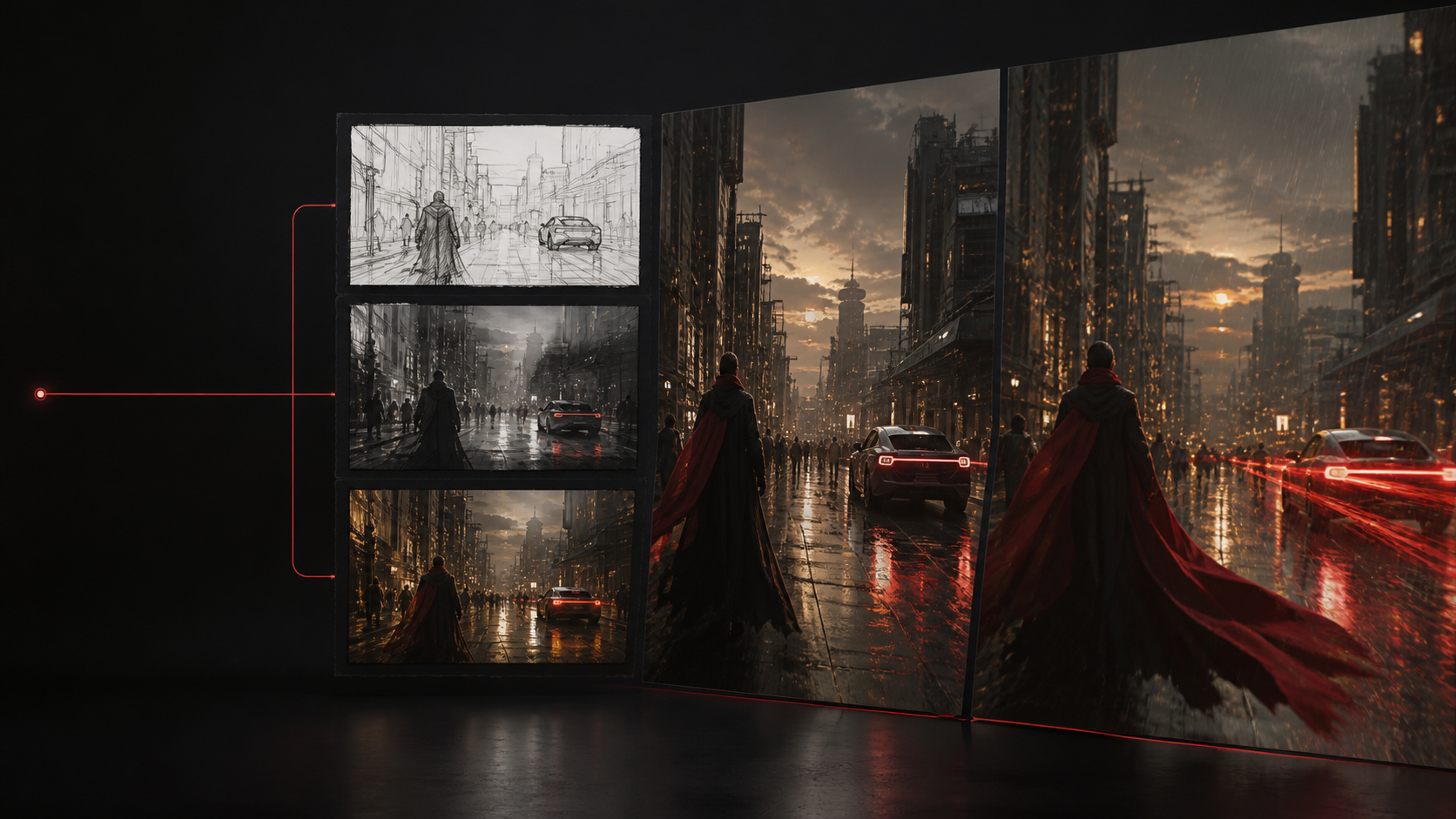
A storyboard turns an idea into decisions before motion generation begins. Each frame needs a clear editorial purpose, recognizable continuity, and enough information to guide the next shot. It does not need to be beautiful; it needs to make the sequence reviewable.
Define the destination first
Write the target platform, aspect ratio, duration, audience and one viewer action. A six-shot vertical product Reel needs different pacing and safe areas than a landscape concept trailer. Lock those constraints before making keyframes.
Give every shot one job
Label each card: establish place, reveal subject, demonstrate action, prove detail, create payoff, or hold for a call to action. If two cards perform the same job, combine them. Short sequences become clearer when every cut adds information.
Record continuity rules
Keep a small reference sheet for character features, wardrobe, product geometry, time of day, color direction and camera language. Reuse approved frames as references rather than asking text alone to recreate the same subject in every shot.
Add a motion note
Under each keyframe, separate subject action, environmental movement and camera movement. “The subject turns toward the door; rain continues outside; the camera remains fixed” is easier to control than “make the scene cinematic.” That note becomes the first video prompt.
Test the highest-risk shot early
Do not spend the generation budget on easy establishing shots before learning whether the hero action, identity or physics can work. Generate a short draft of the hardest shot, approve the direction, then complete the sequence.
Create keyframes in the TrySora storyboard workspace, then move approved frames into the AI video generator. Planning first makes output less random and gives collaborators concrete decisions to approve.
Related guides
Create AI Video for TikTok, Reels and YouTube Shorts
Build vertical AI video hooks, safe compositions, short controlled shots, captions and exports for social publishing.
AI Video Quality Review Checklist Before Publishing
Review generated video for motion artifacts, identity, continuity, factual accuracy, rights, disclosure and export quality.
Why AI Videos Flicker, Drift and Morph—and How to Fix Them
Diagnose temporal consistency problems in AI video, including flicker, identity drift, changing objects, unstable lighting, and unnatural motion.
Text-to-Video vs. Image-to-Video: Which AI Video Workflow Should You Use?
Compare text-to-video and image-to-video workflows by control, speed, character consistency, product accuracy, experimentation, and production use.
Last reviewed .