Shot-first prompting
Separate visual design, action, camera, and atmosphere so failed results can be diagnosed instead of guessed at.
Write the shot, establish the first frame, guide motion, and compare results in one focused workspace built for short-form video production.
Text-to-video, image-to-video, and storyboard creation in one browser workspace.
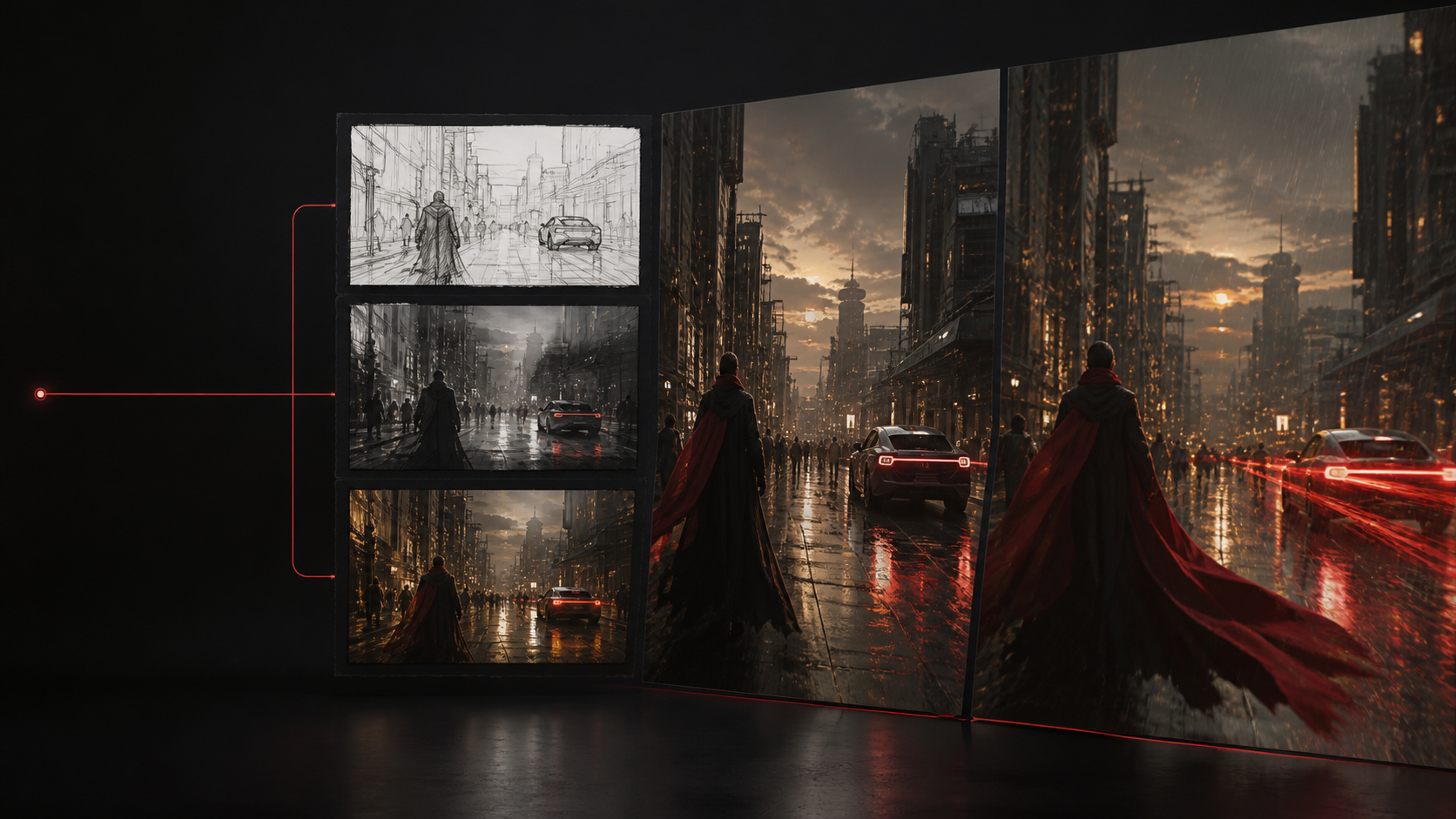
Keep visual design and motion decisions clear enough to compare, revise and reuse.
Describe the subject, location, framing, light, action, and the one camera move that matters.
Use text-to-video for exploration or upload a keyframe when the look is already approved.
Set the ratio and duration, then keep movement physically plausible and easy to review.
Review subject consistency, motion, camera behavior, and usable edit points before downloading.
A clear starting frame, controlled instructions and visible model choices matter more than an oversized list of effects.
Separate visual design, action, camera, and atmosphere so failed results can be diagnosed instead of guessed at.
Create and approve a keyframe when a character, product, wardrobe, or composition must remain stable throughout the clip.
Prepare landscape, square, and vertical clips for ads, product pages, social feeds, Shorts, and TikTok editing.
Use the same approved direction for still images, alternate formats and motion.
Start with the intended placement, then choose the simplest generation path that preserves what matters.
Create vertical hooks, visual transitions, and product moments for TikTok, Reels, and Shorts.
Turn a written treatment into a small sequence of cinematic shots for review and pitching.
Animate an approved product frame with restrained camera and lighting movement.
Establish characters, framing, and art direction before spending credits on motion.
Generation cost and available models are shown before every task.
$9/month
For focused storyboard and short-video experiments.
$29/month
For regular image and short-video iteration.
$99/month
For higher-volume generation and review.
Clear answers about models, workflows, ownership and publishing.
Read all questionsTrySora is an independent AI creation workspace for storyboards, text-to-video, and image-to-video workflows. It helps creators move from a shot brief to an exportable clip in one place.
No. TrySora is an independent third-party platform and is not affiliated with or endorsed by OpenAI. The provider and model available to your account are shown before submission.
No. Model availability depends on the providers configured for the workspace. A model is identified as Sora only when that exact provider option is available; otherwise the selected model is named clearly.
Use image-to-video when the character, product, composition, or art direction is already approved. It gives the motion model a concrete visual starting point and usually reduces drift.
Check the selected model provider terms and review every output for third-party rights, trademarks, likenesses, and required AI disclosures before commercial publication.
Start with one clear visual decision. Refine the result after you can see it.