
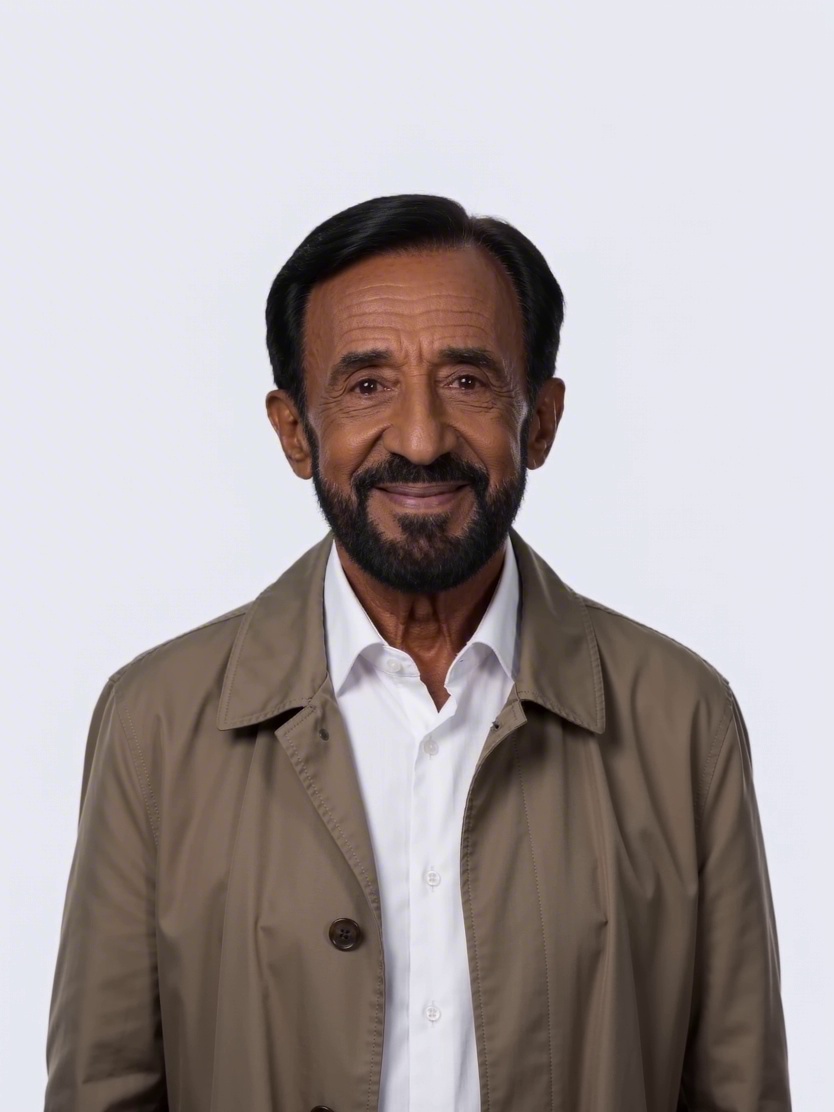
 3:4
3:4Executive portrait
A confident leadership portrait in a refined editorial style.
Business
A stable first frame makes motion easier to control. Establish the subject, composition, lighting, and negative space, and use the live model label to identify the image provider before animation.
Use a ready-made prompt direction, then make it your own.
3:4A confident leadership portrait in a refined editorial style.
 1:1
1:1A calm, credible healthcare portrait with clinical detail.
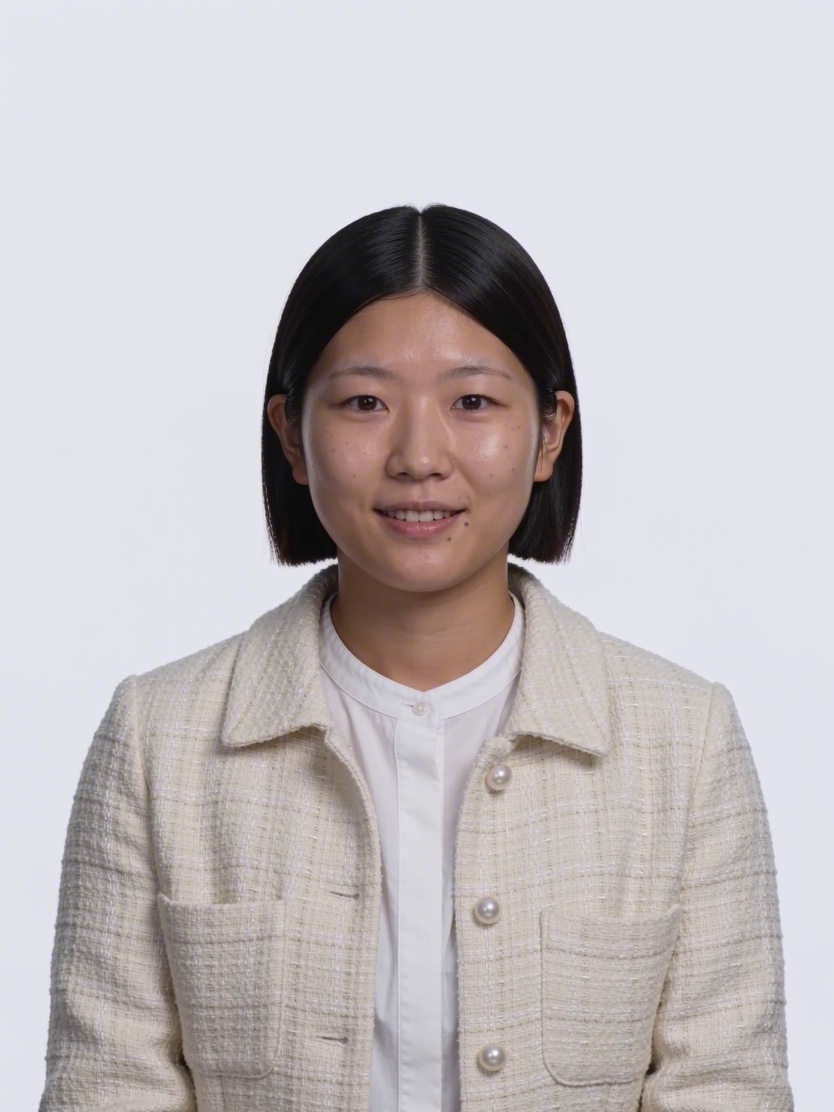 9:16
9:16An observant creative portrait with a documentary feel.
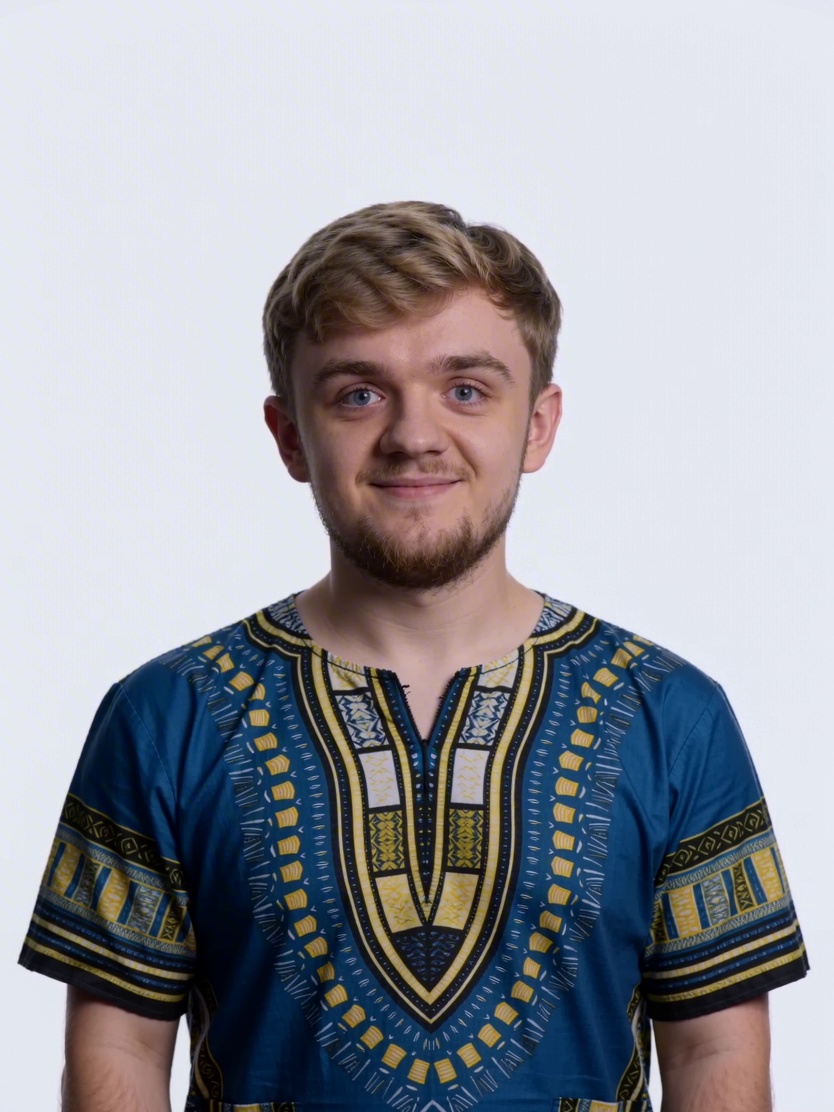 16:9
16:9A focused player portrait with energetic modern lighting.
 1:1
1:1A considered portrait for a design or studio profile.
 3:4
3:4A clear, curious science portrait with visual depth.
Start with text-to-image when the composition is still open. A useful prompt names the subject, setting, camera or viewpoint, lighting, visual direction, aspect ratio, and the few constraints that really matter. Generate a small comparable batch, choose the strongest composition, and change one variable at a time instead of rewriting the complete brief after every result.
Use a reference image when a face, product silhouette, pose, or layout should survive the edit. Tell the model what to preserve and what to change in separate sentences. A narrow instruction such as “preserve the bottle shape and label placement; replace only the background with a warm stone studio” is easier to judge than a long list of simultaneous transformations.
Put instructions in a stable order: subject, action or condition, environment, composition, light, finish, then constraints. If the output is framed incorrectly, edit the composition phrase. If the product changes, strengthen the preservation sentence. This keeps each revision explainable and makes successful prompts reusable.
A matte cobalt travel bottle on pale limestone, eye-level product photograph, medium-close framing, bottle on the right with clean headline space on the left, soft side light, realistic surface texture and contact shadow. Preserve the bottle proportions and cap design. No extra products, no text, no watermark.Select 1:1 for square cards, 4:5 or 3:4 for portrait placements, 16:9 for wide banners, or 9:16 for vertical screens. The frame affects the composition before any crop is made.
List the identity, geometry, camera angle, label position, or pose that must stay unchanged. Review those details at full size before accepting an attractive background.
Exact prices, legal copy, long headlines, and protected logos deserve a controlled typography step. Generate clean negative space, then add approved text in a design tool.
The AI creation guide library explains product photography, reference editing, realistic texture, banner composition, and prompt troubleshooting. Browse AI-generated image examples for visual directions, then open the full creation workspace when you are ready to build and refine an asset.
Start with text when you want the model to explore. Use a reference when identity, product shape, pose, camera angle, or layout is already decided.
Long prompts often contain competing instructions. Keep the core brief stable, remove decorative adjectives, and revise one visual decision at a time.
Inspect every character at full size. For important copy or brand marks, generate clean space and add the approved typography in a controlled design step.
No. TrySora is independent. The exact image provider and model displayed before submission identify what will run.